
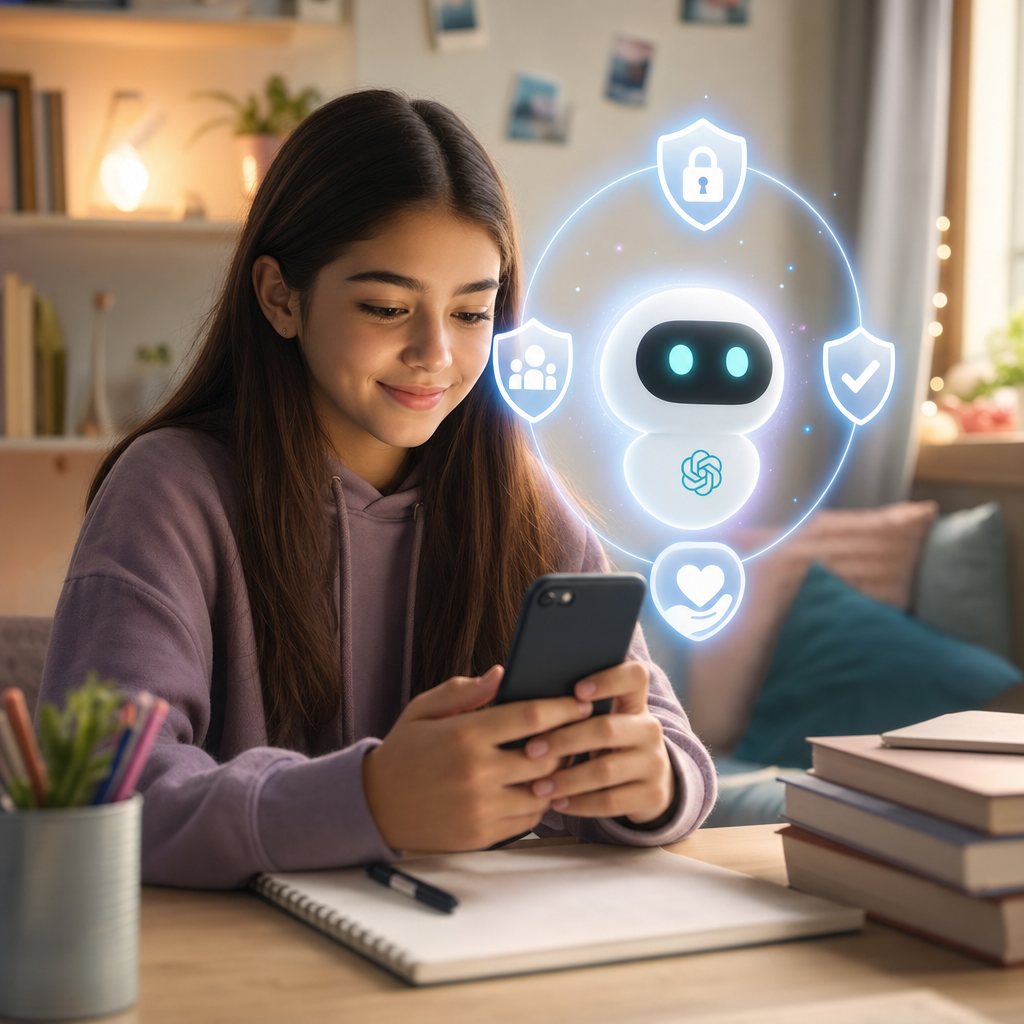
What is ChatGPT for Teens, and why is it getting attention?
OpenAI has launched a teen-focused version of ChatGPT called ChatGPT for Teens. It is made for users under 18. The big promise is simple. It aims to offer stronger built-in safety protections and learning tools that fit how teens study and grow.
That matters because AI tools are now part of everyday life. Teens use them for school help, ideas, and practice. Parents and teachers want the same question answered: what happens when a teen asks for something unsafe or age-inappropriate? OpenAI’s answer is to build in controls and safer defaults.
So, who is it for? Teens. Where does it fit? In homes and classrooms. When does it matter most? Every day during homework time. And what is the goal? Help teens learn, create, and explore with guardrails.
What does ChatGPT for Teens include?
ChatGPT for Teens is not just a normal chat window with a different label. It is a dedicated experience designed for under-18 users. OpenAI says it adds age-appropriate safeguards along with tools that support learning.
Age-appropriate safeguards
One core piece is age-based safety. The system is meant to reduce a teen’s chance of seeing content that does not fit their developmental stage.
OpenAI also includes an age prediction feature and other controls. The idea is to match the experience to the teen’s stage of growth, not just their login.
Study Mode for step-by-step learning
Another key feature is Study Mode. If a teen is stuck on math or science, Study Mode can guide them through the steps. That helps students learn the “how,” not just the final answer.
Think of it like having a patient tutor who nudges you forward. It is still on the student to work, but the tool helps with structure.
Homework reminders and learning support
ChatGPT for Teens also aims to help with school routines. It includes tools like:
- Homework reminders to help teens stay on track
- Quizzes for practice
- Learning visualisations to make ideas easier to grasp
This part is about more than chatting. It supports study habits, and that is what many families want.
Parental controls and Study Hours
Parents get tools too. The experience includes parental controls and Study Hours settings.
Here is what that means in real life. What if a parent wants the tool only during homework time? Study Hours can be set when Study Mode is on by default. It can also help limit when the teen uses the app.
In simple terms, it gives families more say over timing and defaults.
How does Study Mode help teens learn?
Study Mode is designed to make learning feel less random. When a teen asks a question, the goal is to break it into smaller parts.
What does a teen actually get?
A teen gets step-by-step guidance, plus practice tools like quizzes. If a student is learning a new topic, the tool can help them review and check understanding.
So the what is guidance and practice. The how is step-by-step support. The who benefits most, teens who want help but also want to understand.
A quick example
Imagine a teen working on algebra homework. They might ask, “Why does this equation change when I move the number?”
Study Mode aims to walk through the steps and explain the idea in a way a student can follow. That can turn a scary worksheet into a set of smaller tasks.
Why does safety matter for teens using AI?
Safety is not just a nice-to-have feature. It is the whole point of this launch.
Teens are curious. They also test boundaries. That is normal. But AI chat tools can sometimes answer in ways that are not right for under-18 users. So the question becomes, what happens when a teen asks for something harmful? OpenAI is trying to reduce those risks with age-based safeguards and controls.
What should parents focus on?
Parents can use the built-in controls to set a clear routine. For example, they can use Study Hours for after-school time. They can also encourage teens to use the learning tools, not just chat for fun.
Here is the key question for families: how do we keep learning first? Start with Study Mode, homework reminders, and quizzes. Then talk about what is okay to ask and what is not.
What about teachers and schools?
Teachers can also see value in the learning tools. When a student needs help, step-by-step support can speed up understanding.
Still, schools should set clear rules. The tool should support class work, not replace it. And students should know that asking for help is different from asking the tool to do everything.
What is happening in the bigger AI safety and regulation story?
OpenAI’s teen launch lands in a tense moment for AI tools. Governments and watchdogs are watching how chatbots affect children and teens.
So, why now? Because safety debates are growing, and regulators want clearer rules.
What lawsuits and investigations are in the news?
OpenAI has faced safety scrutiny and legal questions. Reports mention:
- A Florida attorney general lawsuit that alleged the product was unsafe
- Investigations by a coalition of state attorneys general
- A Federal Trade Commission inquiry in September into multiple AI chatbot makers about harm to children and teens
These cases show a pattern. Regulators want to know if AI products cause real harm, and they want companies to show how they protect young users.
What about social media risks for kids?
There is also major attention on how social apps may affect teens. For example, Meta is linked to a high-stakes trial about possible addictive effects on young people. A coalition of 29 state attorneys general is part of the case.
That matters because AI and social tools both shape how teens spend time, form habits, and interact with content.
So the bigger theme is clear. What do regulators want? Safer products, clear duties, and real protections for kids.
How does ChatGPT for Teens work, feature by feature?
Here is a quick look at what the teen experience includes.
- A dedicated experience for users under 18 with enhanced safeguards
- Study Mode for step-by-step problem solving
- Age prediction and tailored safeguards to lower exposure to harmful content
- Parental controls and Study Hours to set default use time and boundaries
- Homework reminders, quizzes, and learning visualisations to support school work
How can parents and teens get started?
OpenAI says the company shares onboarding details and eligibility steps. The main focus is on safety settings and parental controls.
So, what should you do first? Set the rules before the teen starts using it. Choose Study Hours, review the safety options, and talk about how the tool will be used.
Safety tips that work in real life
- Start with Study Mode for homework help
- Use reminders and quizzes to build good study habits
- Have a short talk about respectful, safe questions
- Check in after the first week, then adjust Study Hours if needed
It is a lot like setting screen time rules. The goal is not to ban. It is to guide.
What’s next for ChatGPT for Teens?
The safety and legal talk around teen AI use will not slow down. If anything, it will grow.
So, what should families watch for? Updates to ChatGPT for Teens, new safety tools, and any new rules from regulators.
The best move is to follow OpenAI’s official updates and trusted tech news sources. That way, you will know what changed and when.
Final thoughts
ChatGPT for Teens is OpenAI’s attempt to balance AI learning with stronger protections for younger users. By focusing on Study Mode, school tools, parental controls, and age-based safeguards, the teen experience aims to help teens learn and create more safely.
The question for families is simple. How do you want your teen to use AI? With guardrails, clear study goals, and healthy boundaries. OpenAI is offering one path to get there.
If you are a parent, educator, or teen, explore ChatGPT for Teens and set up Study Hours and parental controls that match your needs. Stay alert to new AI safety updates, so you can keep learning tools safe and useful as rules and features change.